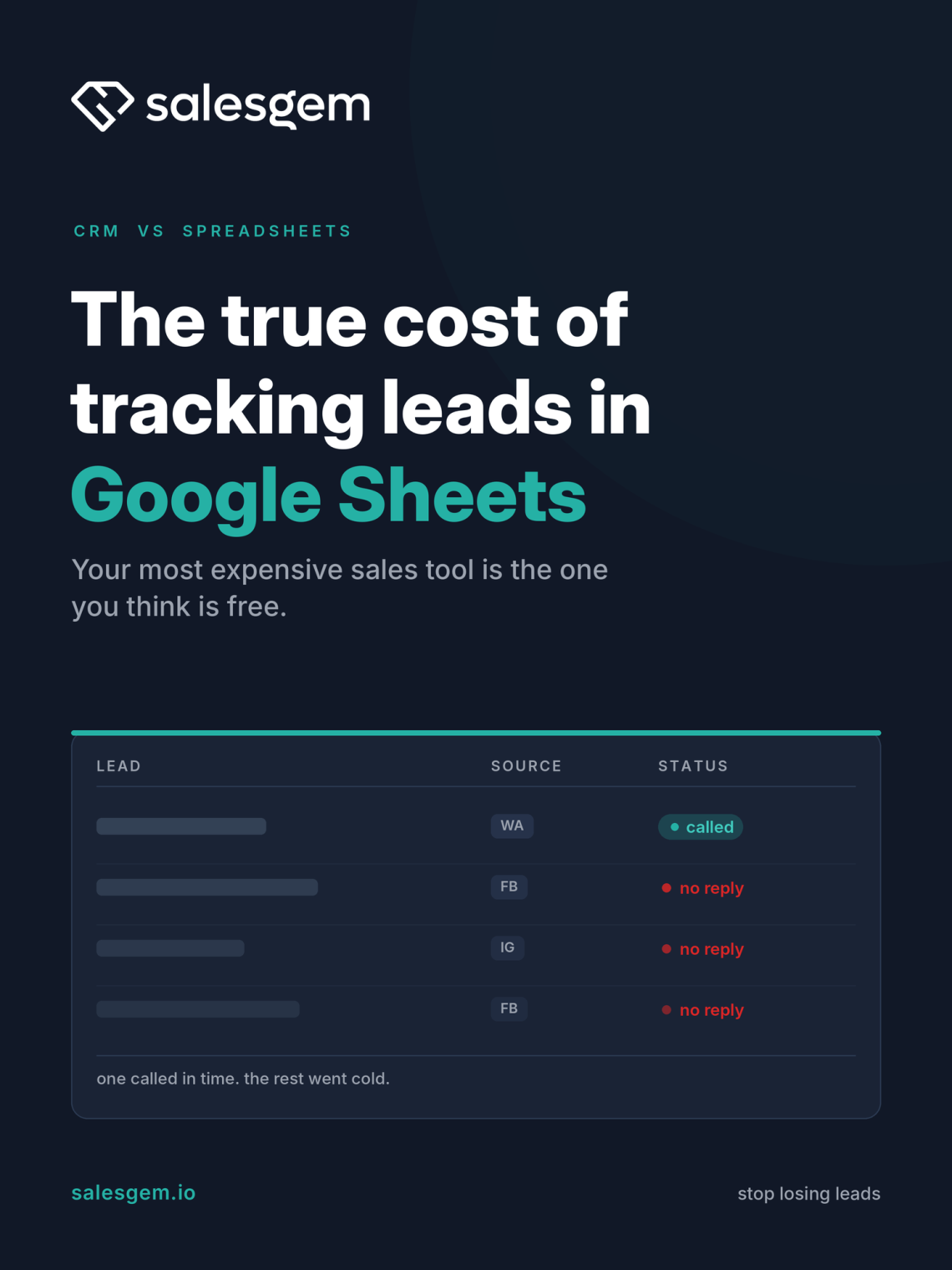
The most expensive tool in your sales process is usually the one you think is free. I have spent more than ten years consulting for sales teams, and the pattern repeats in almost every office I walk into. The biggest competitor to a proper CRM is not another CRM. It is a Google Sheet, and it quietly costs you deals every week.
Tracking leads in Google Sheets feels organised. Every inquiry sits in one place, colour coded and sorted by date. But tracking is not the same as managing, and the gap between those two words is where the money leaks out. If you want the short version of this whole article, it is this: a spreadsheet records that a lead existed. It does nothing to make sure someone actually called them back in time. That one difference is the true cost, and below I will show you how to put a number on it.
If you run a small sales team and lead speed is your problem, the fuller breakdown lives on our guide to a lead follow up CRM for small business. This piece is the story of how I learned to stop trusting the sheet.
Your real competitor is not another CRM. It is a spreadsheet.
When people ask me which CRM they are fighting against, they expect me to name a big brand. The honest answer is the spreadsheet, and after that, the default lead inbox inside Meta Lead Center. Those two tools are where most small teams live. They are familiar, they cost nothing extra, and that is exactly why they are so hard to leave.
Here is the trap. A spreadsheet is a brilliant place to store information and a terrible place to run a sales process. It will hold ten thousand rows without complaint. And it will never once remind a rep to call row forty seven before lunch. It has no idea which lead is urgent, who owns it, or whether anyone has touched it since Tuesday. The sheet is passive. Your leads are not. They are comparing you to two other businesses right now.
What a clinic taught me about tracking versus managing
A few years ago I was managing sales for an aesthetic clinic. The team tracked every Facebook and Instagram inquiry in a shared Google Sheet. On paper it looked healthy. The rows kept coming, the ad spend was working, the pipeline looked full.
Then I started watching what actually happened to each lead. Inquiries sat untouched for hours while the front desk handled walk-ins, phone calls, and the hundred small jobs a clinic throws at you. By the time a rep finally called back, the prospect had often already spoken to another clinic and booked there. The spreadsheet showed plenty of leads. The calendar showed very few confirmed consultations.
That was the moment the lesson landed for me. Tracking leads is not the same as managing them. A list of names is not a sales process. What the team needed was not a prettier sheet. It needed three things the sheet could not do: assign every lead to a specific rep, record the first response time, and fire a reminder for the next follow up.
Once we put those three habits in place, confirmed consultations climbed without a single extra rupee of ad spend. Same leads. Same team. Different system. Moving that work into a CRM like Salesgem is what made the habits stick, because the tool enforced them instead of relying on someone remembering.
Where the cost actually hides
When a founder tells me their spreadsheet is free, I ask them to add up three leaks. None of them show on an invoice, which is precisely why they hurt.
No reminders. A lead that needs five touches to convert usually gets one. The sheet never nudges anyone, so follow up runs on memory, and memory loses to a busy afternoon every time. Most leads that die do not die from a no. They die from silence.
No assignment. When everyone can see the sheet, nobody owns the lead. I have watched two reps call the same prospect and annoy them, while three other leads got no call at all. Ownership is the first thing a sheet quietly removes from your team.
No mobile alerts. This is the big one for speed. A lead comes in through your Facebook or Instagram ad, lands in Meta Lead Center, waits for someone to export a file, and only then reaches the sheet. Your rep does not even know that lead exists until they open a tab at their desk. The business that pushes the lead straight to a rep’s phone calls first, and calling first wins most of the time. That is the whole idea behind capturing Facebook Lead Ads the moment they come in, and following up on WhatsApp where your customers actually reply.
Add those three leaks together and the free tool starts to look very expensive.
When the spreadsheet broke as the team grew
The clinic was one story. The second lesson came from watching the same tool fail at scale, over and over, across different businesses.
Google Sheets gets less reliable the moment lead volume and team size grow. At twenty leads a month with two reps, you can hold it together with discipline. At five hundred leads a month with six reps, discipline is not enough. Multiple reps contact the same prospect. Other leads get one call instead of the four or five they needed. Rows get overwritten, sorted wrong, or deleted by someone cleaning up.
The part that frustrated managers most was the blindness. They could not easily see which reps were responding late, or where leads were falling out of the pipeline. Meanwhile the Meta ad spend kept running every day with no clear picture of which inquiries turned into customers. You are paying for leads and flying blind on what happens to them.
My advice to those teams was blunt. Stop relying on manual updates the moment your lead volume outgrows your team’s ability to keep up by hand. Put in clear pipeline stages, give every lead a single owner, set follow up reminders, and turn on response time reporting so late callbacks are visible instead of hidden. A CRM such as Salesgem makes those activities easy to track, and it lets a manager spot a missed opportunity in the moment rather than discovering it as a hole in the month-end revenue.
How this plays out across different industries
The shape of the problem changes a little depending on what you sell, so let me walk through the three types of business where I see it bite hardest.
Aesthetic and healthcare clinics. Intent here is high and the decision window is short. Someone asking about a treatment is often messaging three clinics the same afternoon. A two hour callback is a lost booking. Front desk staff are already stretched, so the lead sheet is always the task that slips. Speed of first contact is close to everything.
Education and coaching. The pain here is volume plus deadlines. Ad campaigns pull in a high count of lower ticket leads, and batches or cohorts have a start date. A lead not called before the batch fills is gone until the next intake. Manual tracking collapses fastest in this world simply because of the sheer number of rows, and a lot of the conversation happens over WhatsApp where a spreadsheet cannot follow.
Solar and home services. These are longer, multi touch sales. Quote, site visit, financing, close. A flat sheet cannot stage that journey, so leads stall in the middle with no one noticing. Cost per lead from ads is high, so every leaked inquiry is expensive in plain money. The reps are often in the field too, which means the lead has to reach a phone, not a desktop.
Different industries, same root cause. The sheet stores the lead and then steps back and lets it go cold.
The break-even math: how many saved leads pay for a CRM
This is the calculation I walk every hesitant owner through, because it turns a gut feeling into a number you can check yourself. You already know all three inputs.
- Your average deal value. What one closed customer is worth. Call it D.
- Leads you get per month. Call it L.
- The share you lose to slow or missing follow up. Be honest here. In most teams I audit it sits above twenty percent.
Now the cost of the spreadsheet is simply D multiplied by the leads you lose. Say a clinic closes a treatment worth 40,000 in whatever currency you sell in, and loses just five of those a month to no callback. That is 200,000 walking out the door while the tool stays free on paper.
Here is where break-even gets almost unfair. A lightweight CRM costs a small fraction of one of those closed deals per month. So the number of saved leads you need to cover it is not dozens. It is usually one. Rescue a single lead you would otherwise have lost to silence, and the CRM has paid for its whole month. Everything you save after that is margin you were already leaving on the table.
That is the real reason the free tool is the expensive one. The spreadsheet has no price tag, but it has a running cost, and you have been paying it in deals you never knew you lost.
If you want to test the math on your own numbers, you can move your lead tracking into Salesgem and keep the spreadsheet for the things it is genuinely good at, like reporting and exports. The trial runs for 14 days, so you can Sign Up and run both side by side for a week before you decide anything.
What I tell every sales team now
After all these years, my advice has shrunk down to something simple. Keep your spreadsheet if you love it, but stop asking it to do a job it was never built for. A sheet can report on your sales. It cannot run them.
If you only change one thing this quarter, make it this: every lead gets an owner and a first response time you can actually see. Do that, and most of the leaks I described above close on their own. A CRM like Salesgem just makes those habits automatic instead of heroic, so they survive a busy Monday without anyone thinking about it.
The clinic that taught me this did not need more leads. It needed to stop losing the ones it already paid for. That is almost certainly true for you too. Look at your sheet, count the rows nobody called back, and you will see the invoice the spreadsheet has been hiding. If you want the full system behind this, it is laid out in our guide to a lead follow up CRM for small business.
Frequently asked questions
A spreadsheet is good enough for storing leads, not for managing them. It holds names, dates, and notes in one place, which is useful. What it cannot do is assign an owner, remind a rep to follow up, or alert anyone the moment a new lead arrives. For a very low volume of leads it can work. Once speed and consistency matter, it starts costing you deals.
The cost of tracking leads in Google Sheets is the deals you lose to slow or missing follow up, and it never appears on a bill. Multiply your average deal value by the number of leads that go cold each month. For most small teams that figure runs into real money, far more than any CRM subscription, because the sheet records leads but never chases them.
A small business should move from a spreadsheet to a CRM once lead volume or team size outgrows what people can manage by hand. The warning signs are duplicate calls to the same prospect, leads that get one touch instead of several, and a manager who cannot see where leads drop off. If any of those sound familiar, the sheet has already become the bottleneck.
Salesgem differs from a Google Sheets CRM template because it acts on leads instead of just listing them. It captures Facebook, Instagram, and WhatsApp leads in real time, assigns each one to a rep, pushes an alert to their phone, and tracks first response time. A template still waits for a human to notice the new row. Salesgem removes that wait, which is where most lost deals come from.