Facebook Lead Center problems: why growing sales teams outgrow it
I’ve spent the last seven years as a sales consultant. In that time I’ve worked with real estate firms, insurance teams, coaching businesses, and clinics. The most common Facebook Lead Center problems I see have nothing to do with ad spend or lead quality. Lead Center works fine on day one. Then it quietly breaks as the volume grows. There’s no alert when a lead arrives, so someone has to check for new leads by hand every morning. As a result, the real leak isn’t the ads at all. It sits in the gap between Facebook and the salesperson.
If you run Facebook lead ads, you already know how good the top of that funnel looks. The forms fill up. The enquiries stack up. But a few months in, most teams hit the same wall. Collecting leads and managing them are two different jobs, and Lead Center only does the first one. That’s the problem a CRM for Facebook Lead Ads is built to solve. First, though, let me show you how it plays out.
Where Facebook Lead Center problems start
Here’s what Lead Center gives you. A lead fills in your form. The submission then lands in a list inside Meta Business Suite, and you can download those leads as a CSV. That’s genuinely enough at first. When you get a handful of enquiries a week and one person calls them all, it works fine.
The trouble starts when the volume climbs. Once more than one person has to work the leads, three things break at once. I’ve watched them break in the same order at company after company.
First, nothing tells you a lead came in. Meta doesn’t send a notification when someone fills in your form, so somebody has to remember to go and look. And every hour a lead sits unseen, it cools off. That’s a big part of why Facebook leads go cold before anyone picks up the phone.
Second, getting the leads out is a manual job. You export them as a CSV from a desktop browser, one form at a time. On top of that, the Facebook mobile apps won’t let you download leads at all. You can read Meta’s own steps for downloading your leads data, and you’ll see how many clicks it takes.
Third, the spreadsheet keeps no real record of what happened next. Excel doesn’t know who called a lead, when they called, or whether anyone is still chasing it.
Let me tell you about two teams where this played out.
The real estate team that lost leads overnight
A few years ago, I was managing sales for a real estate company. Facebook was one of our biggest sources of leads. We got dozens of enquiries every day. At first, I thought the system worked perfectly.
The leads came into Facebook Lead Center. After that, the problem started.
Every morning, one of my team members opened Facebook on a desktop and downloaded the leads as a CSV. Then they dropped them into an Excel sheet. After that, I read through the sheet and decided which salesperson should handle which lead.
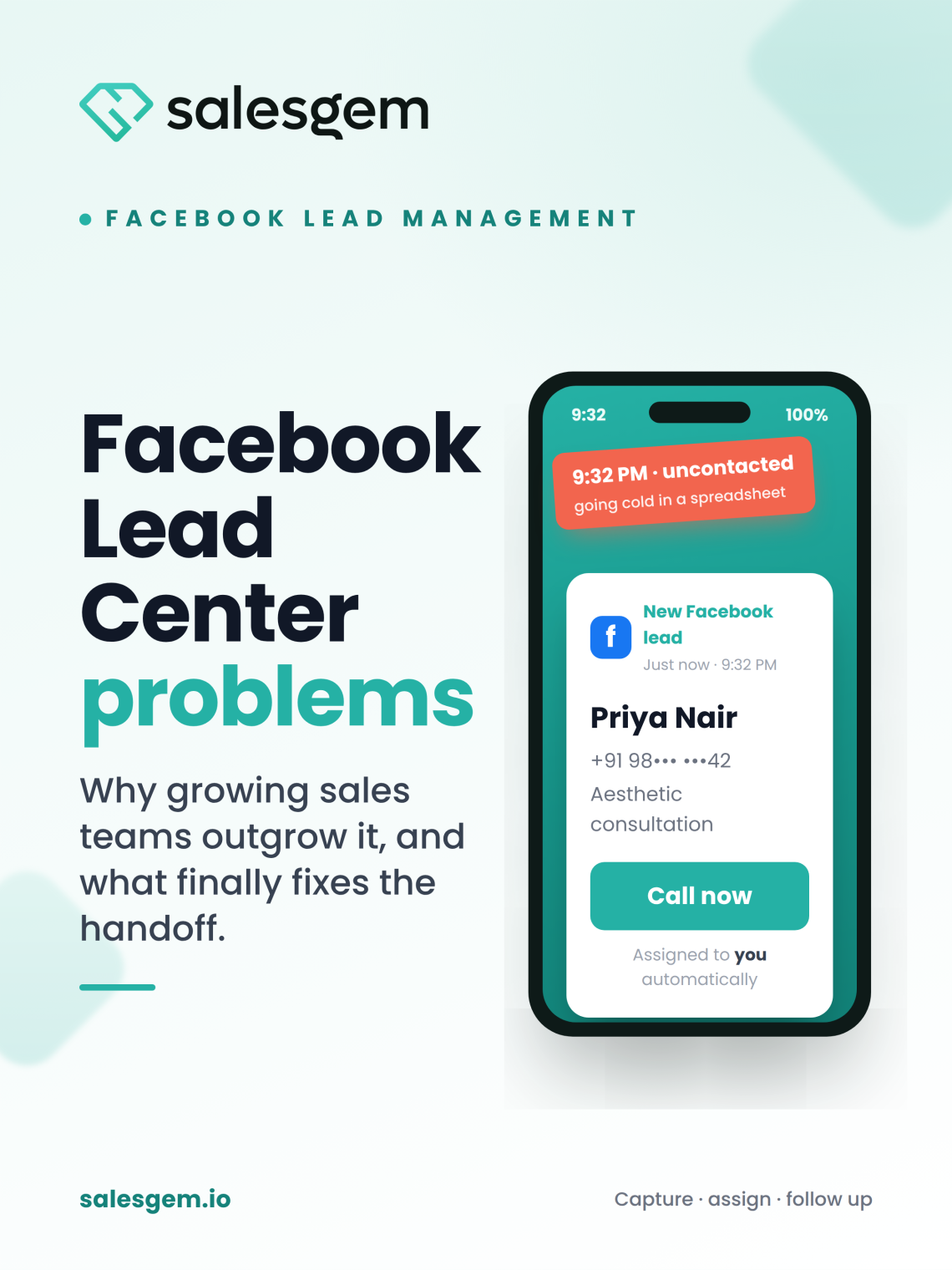
Sometimes a lead came in at 9:30 at night. But nobody knew about it until the next morning. So by the time a salesperson called at 10 or 11 AM, the person had already spoken to another property agent. In real estate, the buyer won’t wait for you. They fill in three forms and take the first callback.
As the number of leads grew, Excel got harder to manage. I couldn’t tell at a glance who had called a lead, who was meant to follow up, or which leads nobody had touched. Because of that, two salespeople would sometimes call the same person. Meanwhile, another lead sat in the sheet with no contact at all.
The worst part came when our conversion rate dropped. I couldn’t prove where the problem was. Was Facebook sending us poor leads? Or was the team simply calling them too late? I had no way to answer that.
That was when it hit me. I didn’t have a lead-management system. I had Facebook, some CSV files, and an Excel sheet. None of that adds up to a system for managing leads.
The insurance team that couldn’t trust its own sheet
Later, I was managing an insurance sales team. We hit the same wall from a different direction.
We had a steady flow of Facebook leads, so we ran them through Excel. Every day, someone downloaded the leads and added them to a master sheet. Then I split them between the sales reps. While the numbers stayed small, it worked.
Once the volume increased, the cracks showed. A lead might arrive in the afternoon. But the rep wouldn’t see it until the next batch went into the sheet the following day. Some leads got a call straight away. Others were forgotten. On top of that, each rep updated the sheet their own way, so I couldn’t always trust the status column.
I’d open the Excel file and see “Called,” “Follow up,” “Interested,” and “Not Interested.” Even so, I still couldn’t tell the real story. When did the rep actually contact the lead? How many times had they followed up? Who owned it now? The words were there. The facts behind them weren’t.
Because everything was manual, I spent more time checking spreadsheets than managing my sales team. For a sales manager, that’s the wrong job to be doing.
Eventually, I understood the real problem. We weren’t losing leads because Facebook wasn’t generating enough enquiries. Instead, we were losing them between Facebook and the salesperson.
The same Facebook Lead Center problems hit every industry
I use those two stories because I lived them. But the pattern doesn’t care what you sell. It shows up anywhere leads are high-intent and people compare you against someone else in real time.
Aesthetic and healthcare clinics feel it worst. Someone asking about a hair transplant or a cosmetic procedure is usually messaging three or four clinics at once. Meanwhile, the front desk works those leads between actual patients. There’s no time to log into Business Suite and export a CSV. So the clinic that calls first is usually the one converting that enquiry into a booked consultation.
Coaching and education teams have the opposite shape and the same result. Here, the intent decays fast. A parent fills in a form about a course at 11 at night. By the time a counsellor sees it in the morning batch, the urgency is gone. Because enrolment windows are short, a lead seen a day late is often a lead you lose.
Solar is where the mobile gap really bites. The reps are out on site visits, not sitting at a desk. So if the only way to see a new lead is a spreadsheet on someone’s laptop, the field team stays blind until someone emails them the file.
Different industries, same leak. The enquiries are fine. The handoff is broken.
How I finally fixed these Facebook Lead Center problems
The fix wasn’t a bigger ad budget or better targeting. It was closing the gap between the form fill and the phone call. That’s what a CRM built for Facebook leads does. Now I put one in place before I take on any lead-heavy sales team.
Salesgem handles exactly this handoff. Here’s what it changes, mapped to the three things that kept breaking.
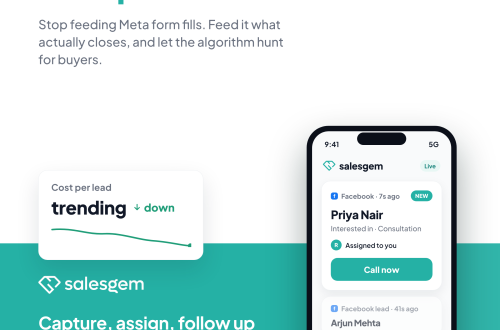
First, the speed problem. Instead of finding out the next morning, the rep gets the lead on their phone the moment it lands. Salesgem captures Facebook and Instagram Lead Ads as soon as someone submits them, and it pushes each one straight to the mobile app on Android and iOS. So nobody downloads a CSV, and nobody waits for the morning batch.
Second, the ownership problem. Instead of you playing human router, Salesgem auto-assigns each lead to the right rep. As a result, ownership is clear from the first second.
Third, the tracking problem. Instead of a status column you can’t trust, every lead moves through a real lead management pipeline. It runs from Lead to MQL to SQL to Opportunity to Converted. Better still, you can see when the rep contacted each lead and how many times. So when conversion dips, you finally know whether it’s the leads or the follow-up speed. That’s the exact question I couldn’t answer in that real estate job.
Follow up isn’t limited to a phone call either. You can reach leads over WhatsApp from the same place. And through the Conversions API, Salesgem sends your closes back to Meta, so your targeting learns from who actually converted. A CSV can’t do any of that.
My advice, after seven years of watching this
Take one thing from this. Your ad account is probably fine. The place to look is what happens to a lead after it arrives, because that’s where the money leaks out.
In practice, it comes down to three habits. First, get every lead to the right person the instant it arrives, not on tomorrow’s spreadsheet. Second, make ownership of each lead clear, so nobody calls a lead twice and nobody ignores one. Third, keep a follow-up record you can trust, so “Interested” means something you can check. Do those three things, and your existing leads convert better without any extra ad spend.
If you want to move your Facebook leads off spreadsheets, you can sign up for Salesgem and see the difference on your next batch of leads. No credit card needed · 14-day free trial · Free support and migration.
Frequently asked questions
The main Facebook Lead Center problems show up as you scale. It sends no alert when a lead arrives, so you have to check by hand. You can only export leads as a CSV from a desktop, one form at a time. And it keeps no record of who followed up. As a result, reps miss leads, call some twice, and reach others too late.
Meta doesn’t send a notification when a new lead fills in your form in Lead Center. Instead, you have to open Business Suite and check by hand, or export a CSV to see what arrived. This is the biggest reason leads go cold. Nobody knows the lead exists until someone remembers to look, which is often hours later.
Facebook keeps lead data for 90 days after someone submits the form. After that, Meta removes the leads automatically, and you can’t download them again. So if nobody exports or syncs your leads before that window closes, you permanently lose contact details you paid to generate.
Excel works for managing Facebook leads at low volume, when one person handles every enquiry. But it breaks down as you grow. It has no pipeline, no follow-up reminders, and no reliable way to track who contacted a lead or when. So reps update the status column their own way, call some leads twice, and miss others.
The Facebook mobile apps don’t let you download leads. So to get leads on your phone in real time, you need a CRM that captures them the moment someone submits the form and pushes them to a mobile app. Salesgem does this for Facebook and Instagram Lead Ads. It delivers each lead to the assigned rep’s phone on Android and iOS as it arrives.
Facebook leads often fail to convert because reps contact them too slowly, not because the leads are bad. When a lead sits in a spreadsheet and gets a call hours or a day late, the buyer has usually already spoken to a competitor. So getting each lead to a rep instantly, with clear ownership and follow-up tracking, tends to recover conversions.